DO YOU REALLY NEED AN ANALOG SYNTH? My MINIMOOG "Clone" Workflow
See how a Mini Moog-style DIY MIDI controller can provide hands-on control of software synths and effects in an Ableton Live template.
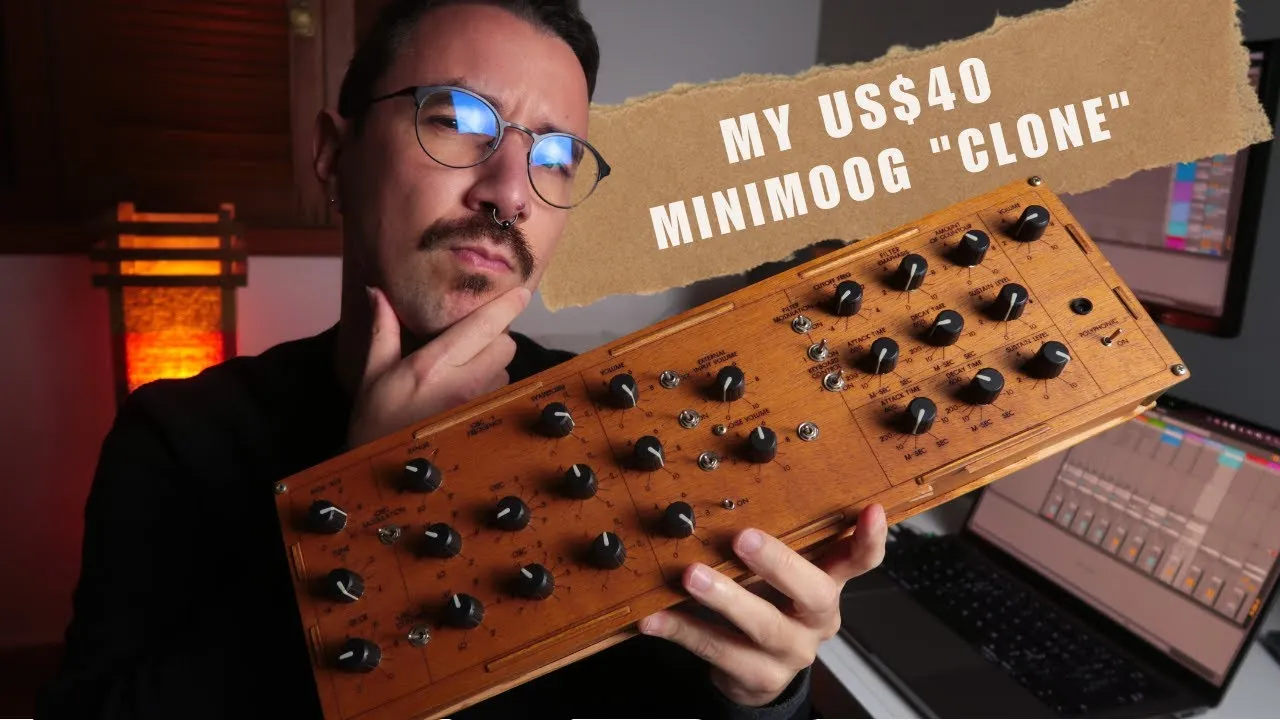
An analog synthesizer can be inspiring, but a hands-on workflow does not require an analog sound engine. In this documented example, a DIY MIDI controller laid out like a Mini Moog controls software instruments and effects. The key is to map physical controls to plugin parameters and save that setup as a reusable Ableton Live template.
What the controller does
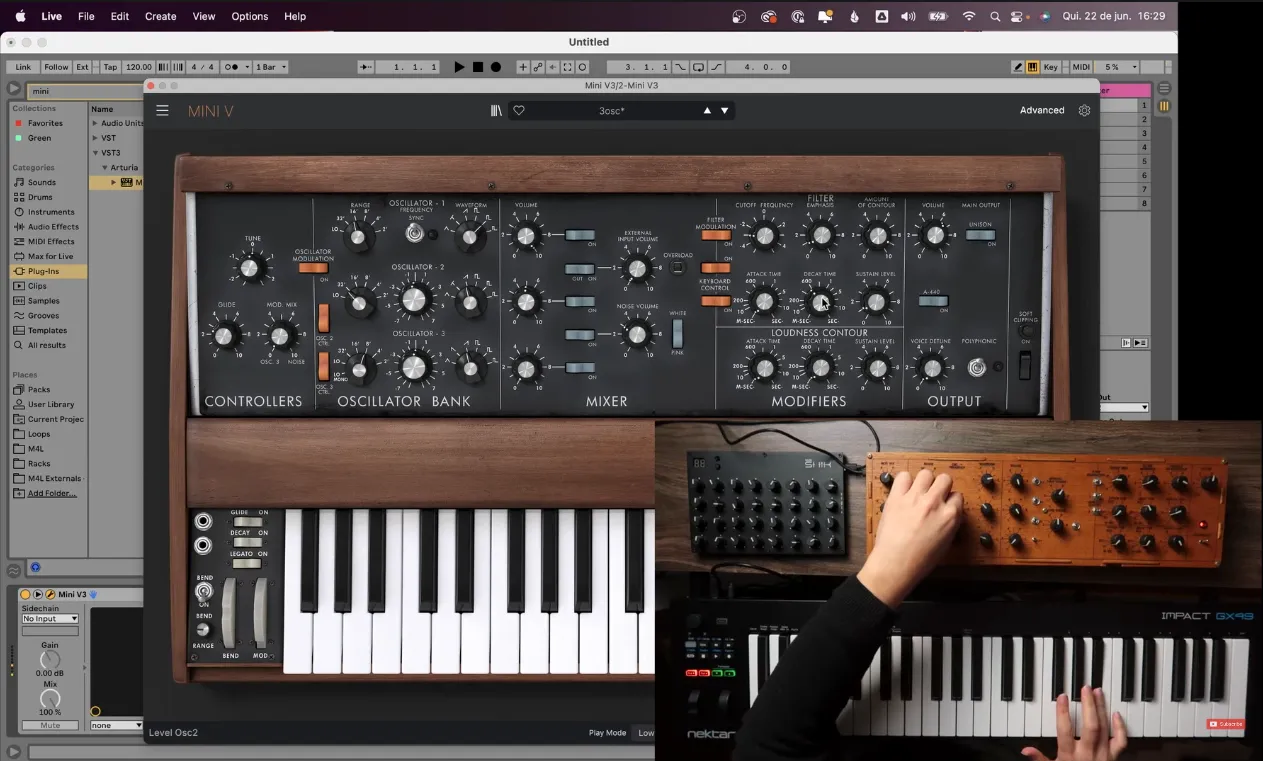
The controller is mapped to software instruments.
This is a MIDI controller, not a physical analog synthesizer. Its Mini Moog-style panel gives the player knobs and buttons to operate mapped controls in software. This setup uses Ableton Live and maps parameters in instruments including Mini V, TAL Noise Maker, and Diva. The mappings are configured for the chosen plugins; they are not automatic or universal.
Build a reusable instrument setup
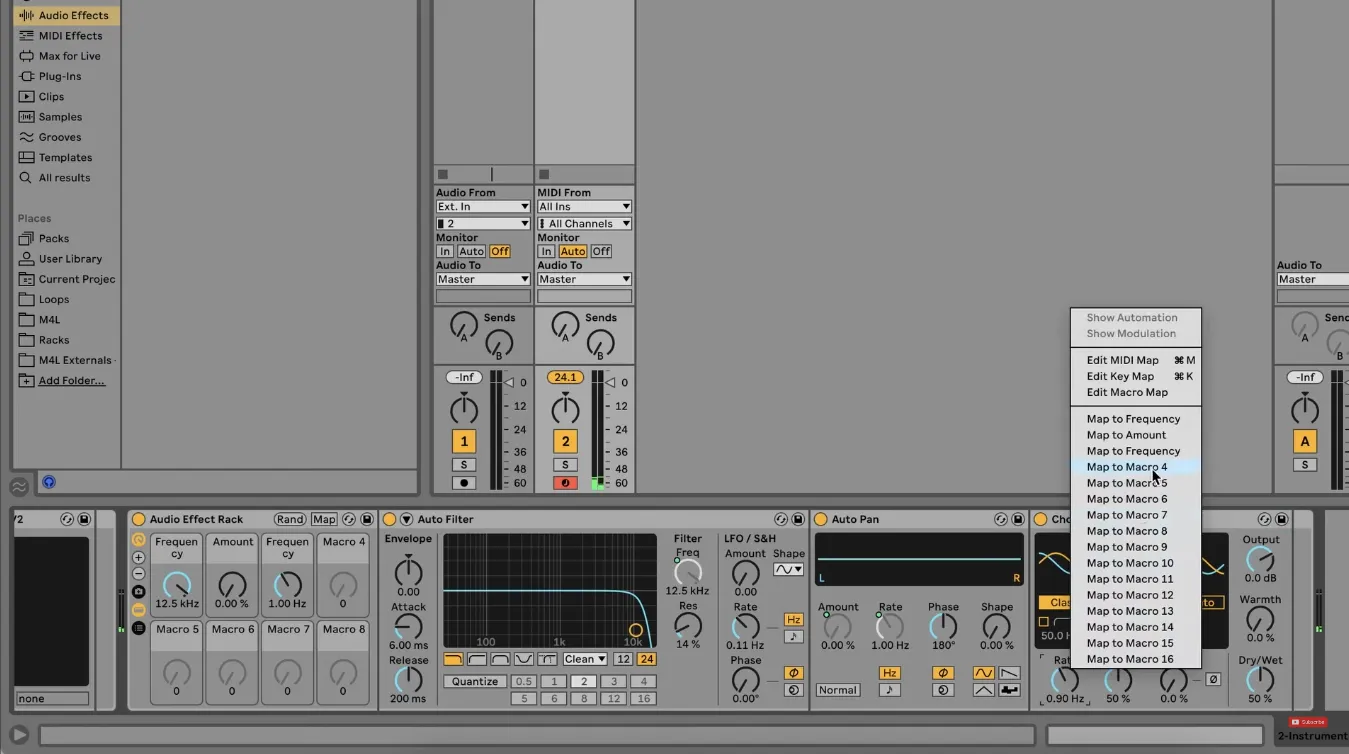
An Ableton Live session with mapped instruments and effects.
Map each desired plugin parameter to a corresponding physical control, then save the configured project as a template. Instrument switching can be organized with an Ableton Live group or dummy clips, with keys assigned to individual instruments for quick transitions.
The same idea can extend to effects. The demonstrated setup groups effects such as Auto Filter, Auto Pan, Saturator, and Chorus and maps selected parameters. The controls and mappings depend on how the template is configured, so treat this as a workflow example rather than a ready-made universal preset.
What this solves—and what it does not
A prepared template means the instruments, effects, and mappings can be ready when a new session starts. It gives tactile access to software parameters without changing the sound-generation method: the synths remain plugins, and their available controls depend on each plugin.
The controller build was reported at about US$40, with an Arduino board costing about US$5 at the time. These historical figures are not current estimates. This workflow overview does not include a parts list or construction steps, so it is not a build guide.