The New Arduino Giga R1 Wifi - Good for Audio?
A look at the GIGA R1 WiFi's processor, connections and audio hardware for makers planning a music project.
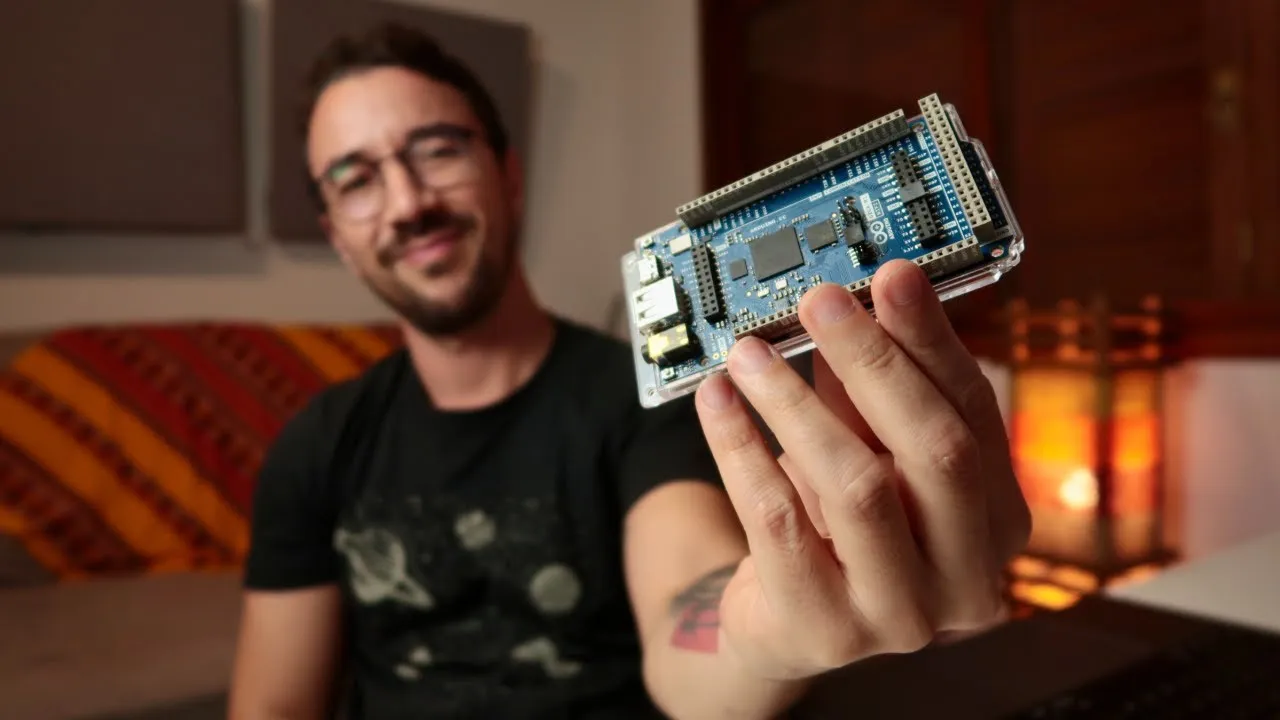
The Arduino GIGA R1 WiFi combines a dual-core microcontroller with a large set of connections, including audio-related hardware. That makes it a board worth investigating for maker projects involving sound, but the presence of an audio jack and DACs alone does not establish how well it performs as a finished audio interface or instrument.
Processing and connectivity
The board uses an STM32H747XI with a Cortex-M7 core running at 480 MHz and a Cortex-M4 core at 240 MHz. Arduino documents that the two cores can be programmed separately; its example is running MicroPython and Arduino code simultaneously and communicating through RPC. The board has 76 GPIOs, a USB-C connector for programming, communication, and HID, and a dedicated USB-A port for USB host devices such as keyboards and mass storage.
Wireless communication is provided by a Murata LBEE5KL1DX-883 radio module supporting Wi-Fi and Bluetooth. The board also has camera and display connectors. These capabilities may matter when a sound project needs external controls or a broader maker interface, but they do not imply MIDI-over-Wi-Fi or USB-MIDI behavior without a specific supported setup.
Audio-related hardware, with limits
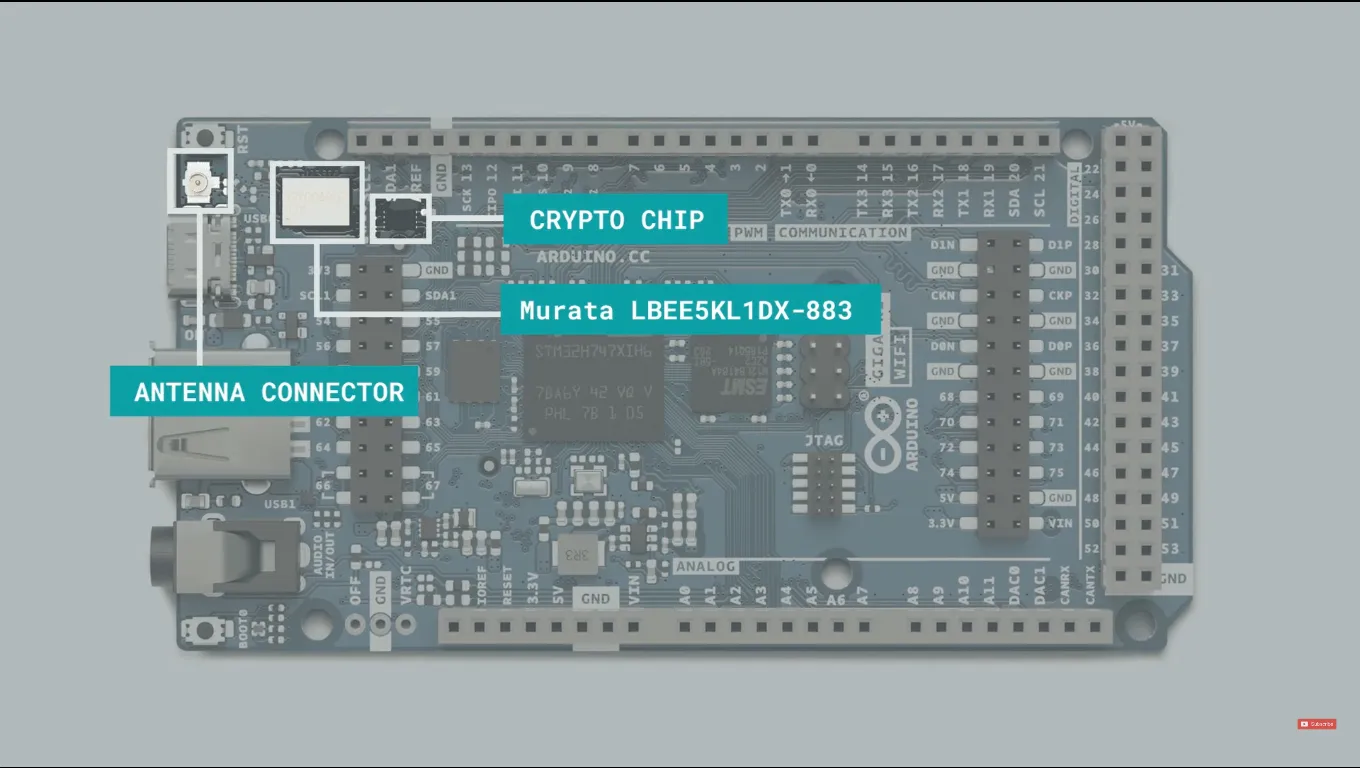
Connector locations shown on the GIGA R1 WiFi.
The GIGA R1 WiFi includes two DAC outputs, one ADC input and a 3.5 mm jack. The user manual identifies A12/DAC0 and A13/DAC1 as outputs and A7 as the microphone input. Arduino cautions that the board has no built-in audio amplifier: a speaker may need an external amplifier, and an unamplified microphone signal may sound quiet. These connections are useful starting points, not evidence of a particular audio quality, latency or finished audio workflow. See Arduino’s hardware page, user manual and ADC/DAC guide.
Watch the video overview: