ERAE TOUCH Review | A Next-Gen Expressive MIDI Controller
How the ERAE Touch turns finger position and pressure into MIDI expression, and what to consider before choosing this kind of controller.
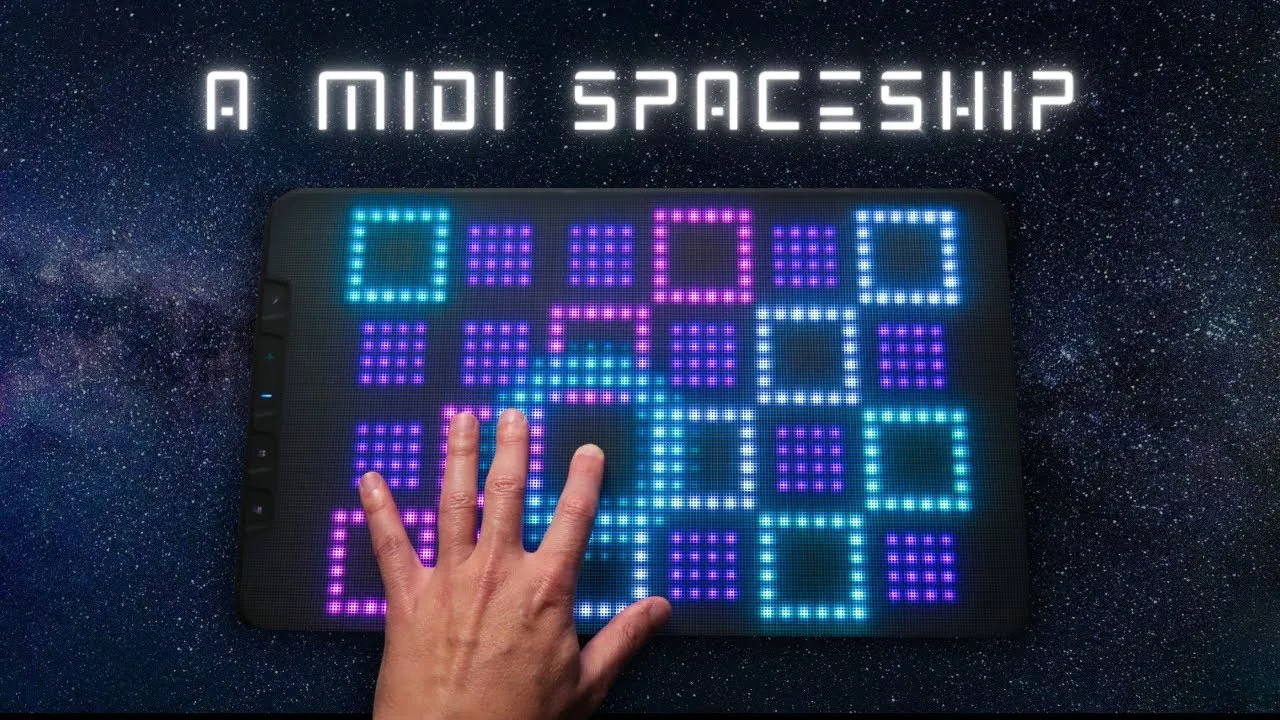
The ERAE Touch replaces a conventional keyboard layout with a touch surface that responds to where and how you play. That makes it possible to shape a note with gestures such as sliding for pitch movement or changing pressure, while a customizable layout can put different musical controls under your fingers.
Embodme provided the review unit for this evaluation.
Watch the review
A surface built for gestures
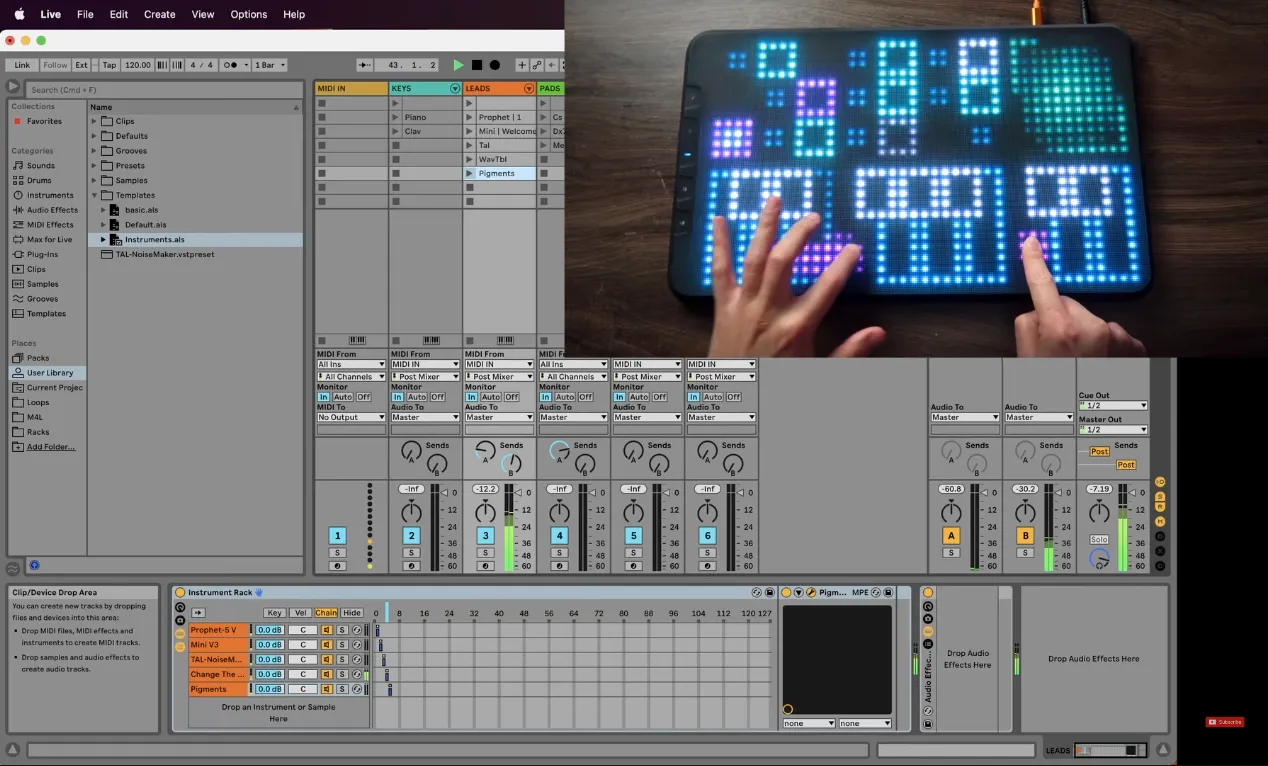
ERAE Touch connected to its editor and music software.
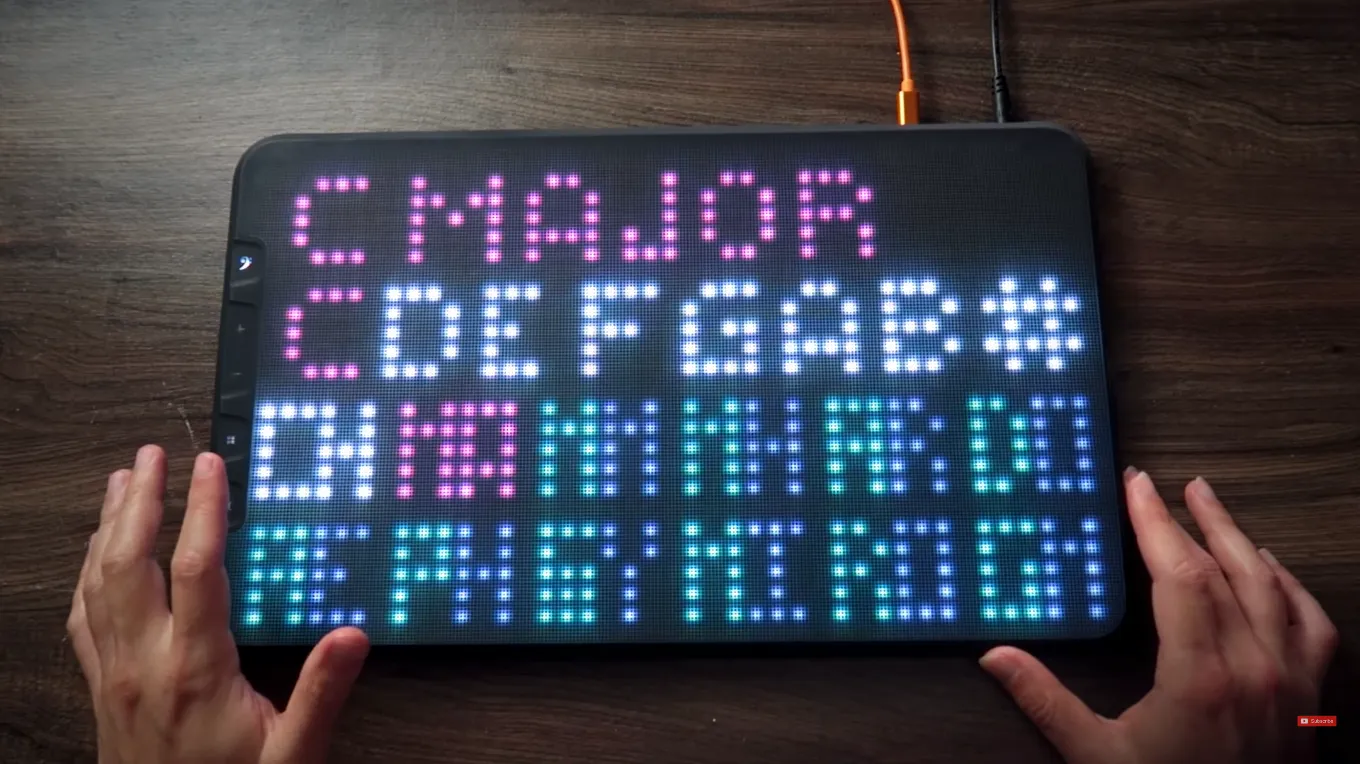
The ERAE Touch uses a silicone playing surface with an illuminated grid and touch sensing. Instead of being limited to one fixed keyboard arrangement, its layout can be customized. The USB-C MIDI connection links it to a computer, and it also has a separate power input. Follow the manufacturer’s manual for the correct power supply.
The surface can be used with Ableton Live and MIDI Polyphonic Expression (MPE). MPE allows compatible instruments and software to receive expressive information for individual notes, so a gesture can affect one note while others continue. Actual results depend on the instrument and MIDI configuration.
Map a gesture to a musical result
A custom layout created in Erae Lab.
Embodme’s Erae Lab editor lets you assign parameters to the surface’s axes. In this setup, pitch movement and drive are mapped to gestures while playing drum samples. Moving across the surface changes the sound in real time, turning a static sample into a more actively shaped performance.
That example shows the central appeal: a physical movement can become a musical change without reaching for a mouse. It also points to the setup work involved. You need to choose a layout, assign the parameters, and ensure the receiving instrument responds to the MIDI data being sent.
Who might find it useful?
This kind of controller makes sense when you want continuous, multidimensional gestures to shape notes or sound parameters. It is a different playing approach from a row of piano keys or a bank of knobs. Instruments and DAWs need to support the MIDI messages and mappings you plan to use.
Before choosing one, consider which movements you want to perform and whether your software can use the resulting MIDI messages. This overview does not assess current pricing or guarantee universal compatibility.