I Built a MOTORIZED FADER Faderport Clone DIY MIDI Controller: The FADUINO
See how Faduino combines a motorized fader, buttons and an encoder in a MIDI control surface for a DAW.
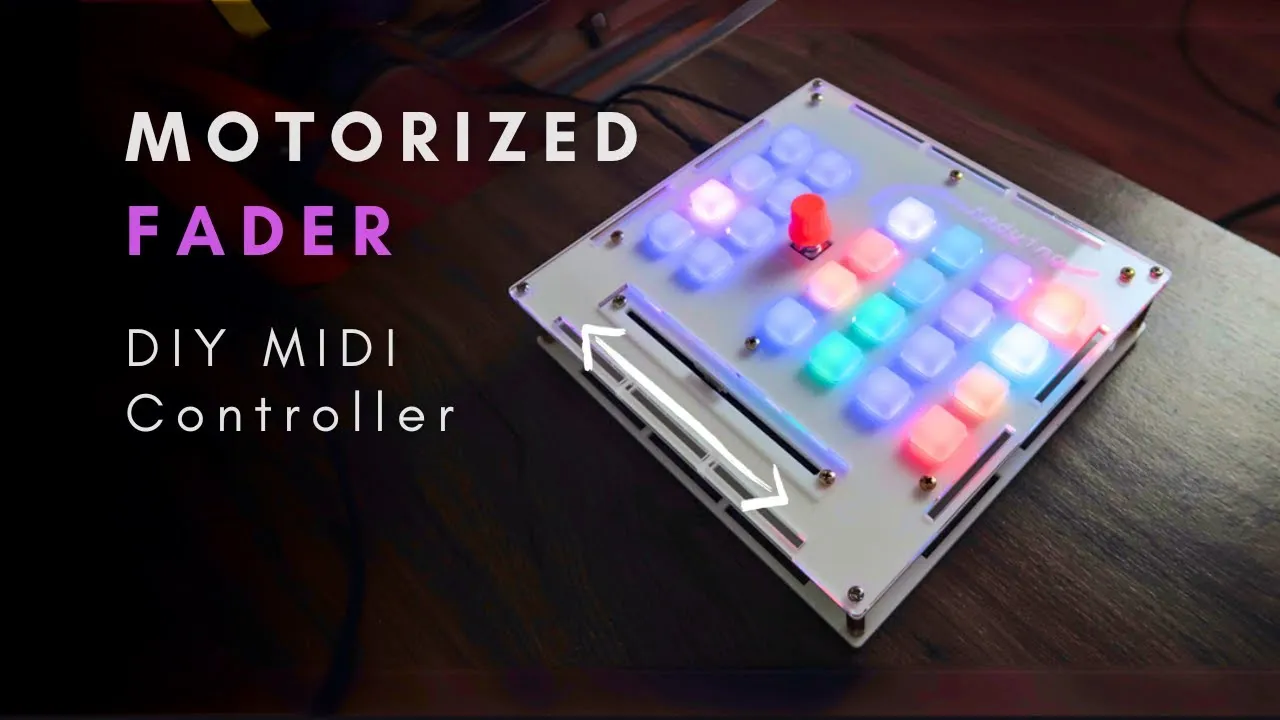
A motorized fader can move to reflect a level selected in a DAW, making track changes easier to follow with your hands. Faduino is Gustavo’s DIY MIDI controller project, inspired by the PreSonus FaderPort. It combines a motorized fader, silicone buttons with LEDs and a rotary encoder in a design refined through several PCB, enclosure and software iterations.
Why motorize a fader?
The Faduino motorized fader.
With a conventional fader, changing tracks can leave the physical position out of sync with the selected track’s level. Faduino’s motorized fader is intended to follow the DAW’s track level when switching tracks, avoiding the sudden parameter jump that can happen when a manual control starts at a different position.
The described surface also includes buttons for functions such as solo, mute, and record-arm, plus track and bank navigation. The rotary encoder can be customized for tasks such as panning. These assignments depend on the project’s configuration.
Protocol and setup context
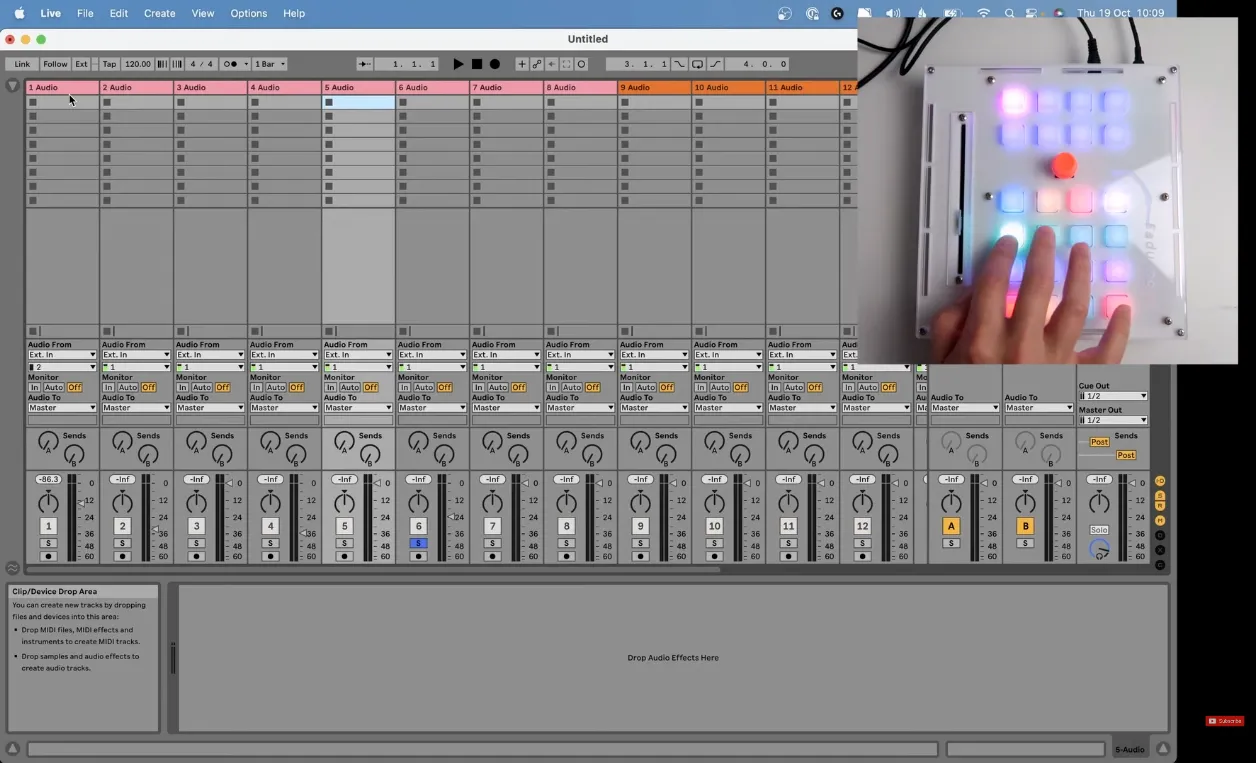
Faduino controller hardware.
Faduino supports the Mackie protocol and is configured as a control surface in Ableton Live. Behavior can vary with the DAW and project configuration.
The controller uses a 9 V supply and a USB Micro connection. The Faduino GitHub repository is the place to find project files and build instructions; this overview does not include a parts list, wiring diagram or complete construction procedure.
A project overview, not a full build guide
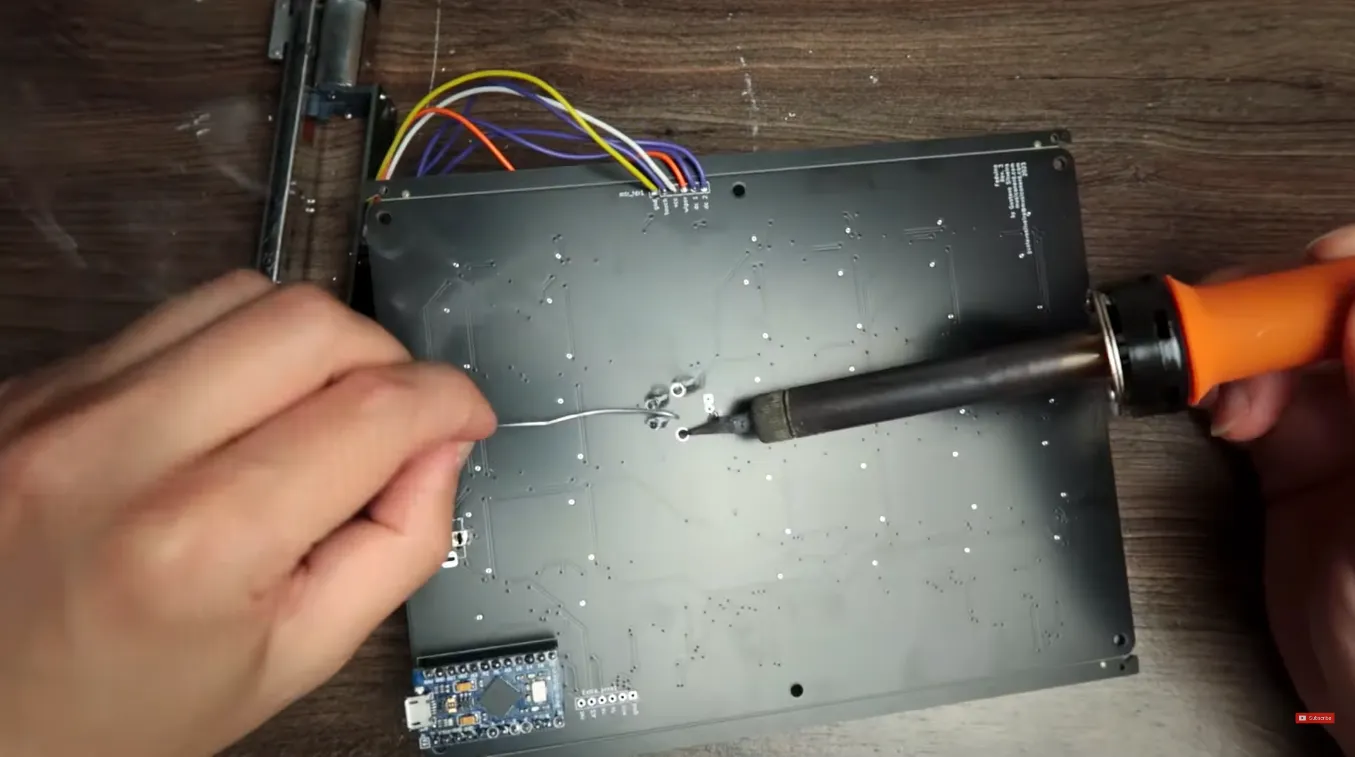
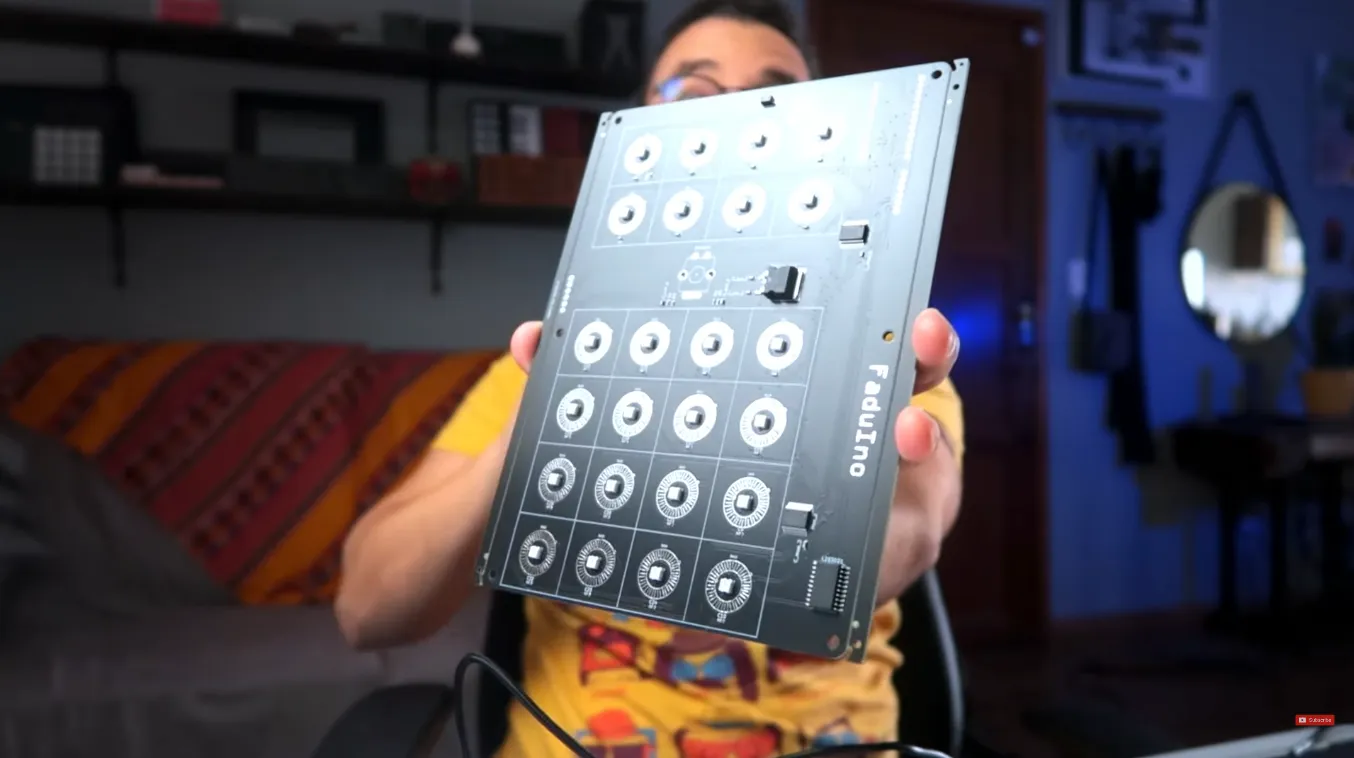
Soldering the underside of the project board.
Faduino is an open-source project, with code and schematics available for customization. Its design combines physical fader movement with DAW feedback, buttons and an encoder. Follow the project files and build instructions to reproduce the hardware.