#5 How to code Encoders - MIDI Programming for the Arduino
Learn how a rotary encoder works, why interrupts help read it, and how Arduino can turn its movement into MIDI messages.
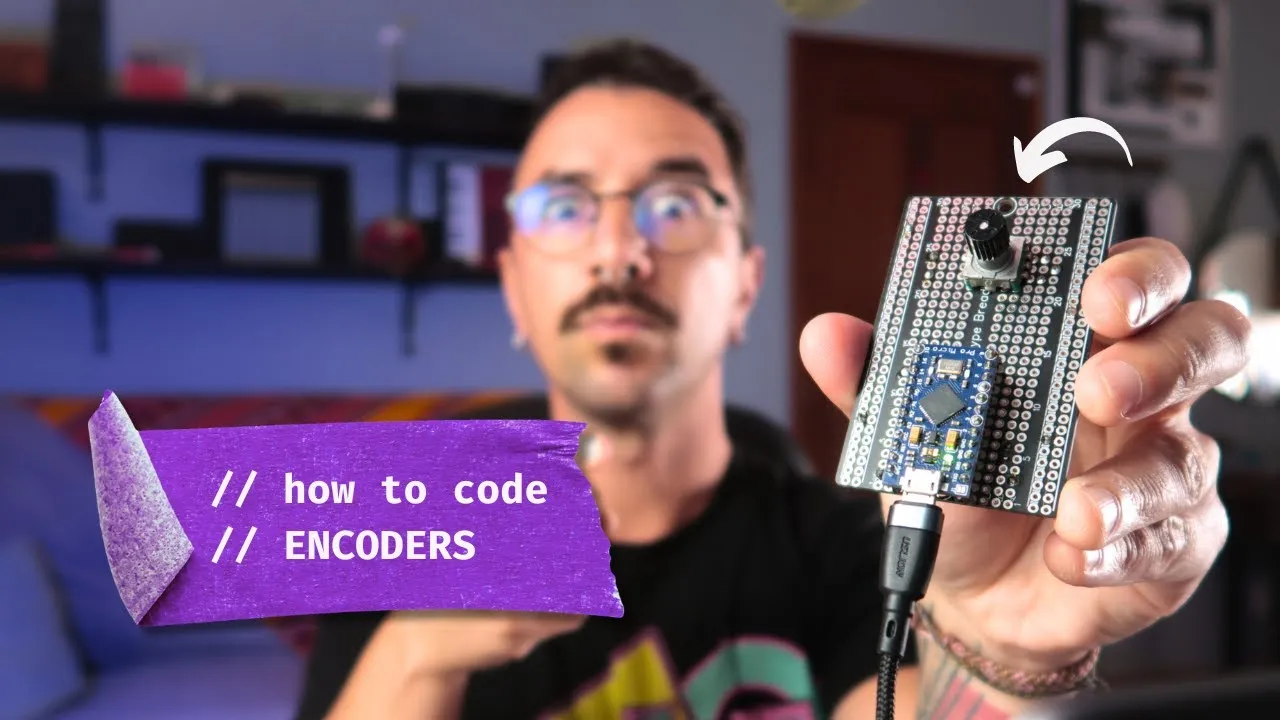
A rotary encoder gives a MIDI controller a knob that can keep turning in either direction. To make that movement useful, the Arduino has to detect both the change and its direction, then translate the result into MIDI. This tutorial follows the key stages in the video: understanding the encoder, reading it with interrupts, wiring it to an Arduino Pro Micro, and sending MIDI over USB.
Watch the original video on YouTube.
Why use a rotary encoder?
A potentiometer has a limited travel between its two ends. A rotary encoder can keep turning, so it suits controls such as scrolling through presets, navigating a track list, or moving a parameter in steps. The application decides what those steps do; the encoder itself reports rotation rather than a fixed parameter value.
That distinction matters when you choose a control for a MIDI build. A potentiometer is useful when the knob position should correspond to a value. An encoder fits a task where each turn should move a value up or down, without a fixed start and end position.
How the encoder reports direction
The encoder shown in the tutorial has two signal outputs. As its shaft turns, those outputs change in sequence. The order of the changes tells the program which direction the knob is moving. The Arduino needs to read those transitions reliably so it can count steps and decide when to send a MIDI message.
Mechanical encoders can produce extra rapid transitions as their contacts switch. The code needs to interpret the signal changes as rotation steps rather than treating every electrical transition as a separate intended turn. The video walks through this logic; the exact decoding approach and tuning depend on the encoder and sketch.
Why use interrupts?
An interrupt lets the microcontroller react when a monitored signal changes, instead of checking the input only when the main loop reaches it. That can help keep up with quick encoder movement while the rest of the program handles other work.
Interrupt behavior depends on the board and the pins available for that purpose. The video demonstrates the approach with an Arduino Pro Micro. Check the board’s pin capabilities and the sketch before wiring a different Arduino model; pin numbers and interrupt support are not interchangeable across every board.
From rotation to USB MIDI
Once the code recognizes a step and its direction, it can turn that event into a MIDI message. The video uses the MIDIUSB library and an Arduino Pro Micro configured to present itself as a USB MIDI device. A receiving DAW or instrument can then use those messages to control a parameter, navigate, or perform another assigned function.
The message type, channel, and controller assignment depend on the sketch and the receiving software. The video description identifies the MIDIUSB library, but this article does not reproduce the full code or prescribe a mapping for every setup. Use the video and its linked sketch for the exact implementation.
What to follow in the video
The chapters move from the reason to use an encoder to its signal behavior, interrupt handling, wiring, code, and MIDI output. Following that order helps connect each part: first understand what the two signal outputs mean, then see how the board reads them, and finally how a recognized turn becomes a message your music software can use.
The video description links to the Arduino sketch through the Nerd Musician downloads page. Confirm that you select the sketch for the Arduino Programming class and check its board and library requirements before uploading. The article is an overview of the concepts, not a replacement for that code or the wiring shown in the video.
A continuous control for stepped changes
A rotary encoder is a good fit when you want a control that turns continuously and moves a parameter in steps. Understanding its signal sequence, interrupt handling, and MIDI output helps you decide when this kind of control belongs in a MIDI project.