Worlde PANDA MINI Keyboard HONEST Review
What the Panda Mini's mini keys, pads, knobs and sliders offer, plus the build and connection trade-offs to consider.

The WORLDE Panda Mini combines 25 mini keys with pads, knobs and sliders in a compact MIDI controller. It is aimed at compact studio setups, with lightweight controls and an older mini-USB connection.
Watch the review
A compact set of playing and control options
The 25-key mini keyboard is paired with pads, knobs and faders. The official Panda MINIc manual describes USB-powered MIDI operation, four banks and four control groups made up of knobs and sliders. It also explains that the editor software is used for settings such as MIDI channels, velocity curves and controller assignments. The official manual says the Panda MINI and MINIc differ only in pad backlighting: red on the MINI and RGB on the MINIc; the other functions are the same.
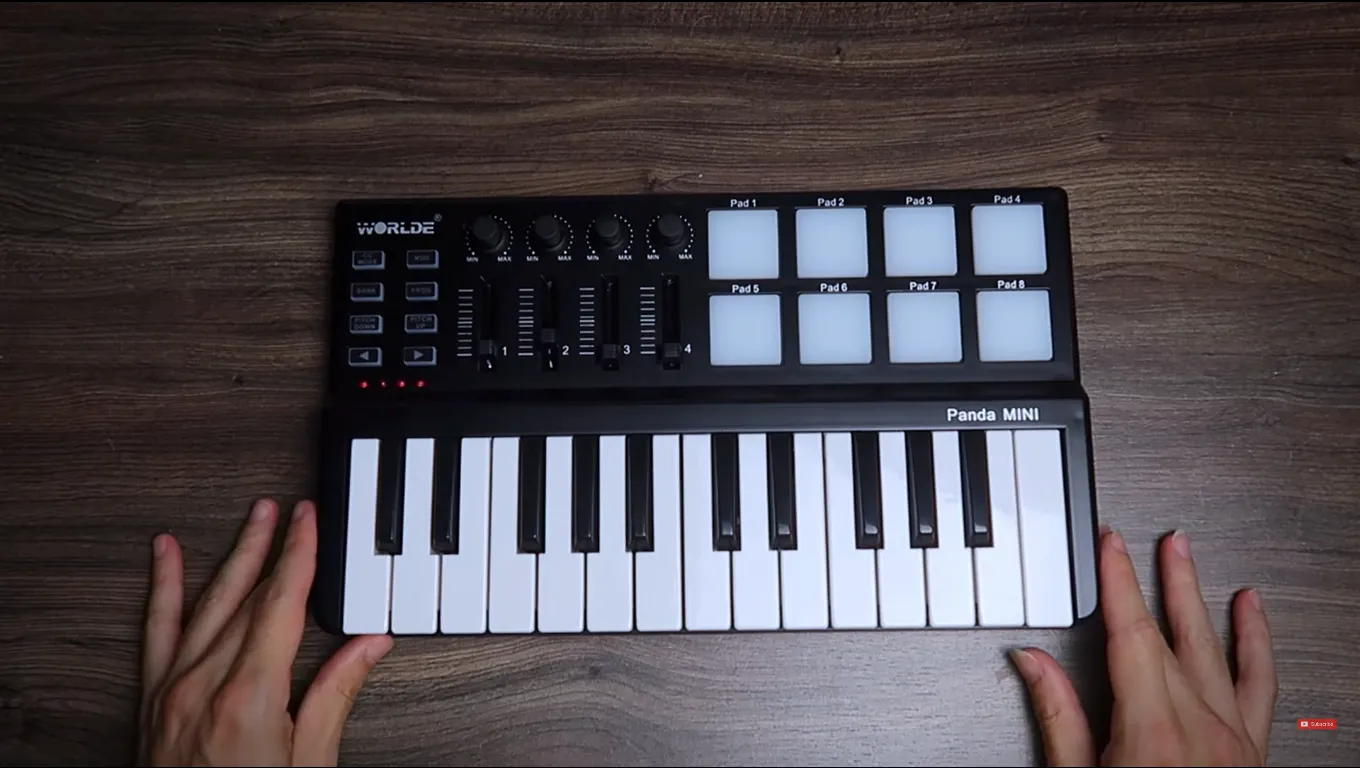
The compact keyboard and its physical controls.
Key velocity feels modest but usable for studio work. The pads feel soft, while the knobs and sliders are light but move smoothly. These are subjective impressions, not instrumented measurements.
Where its limits show up
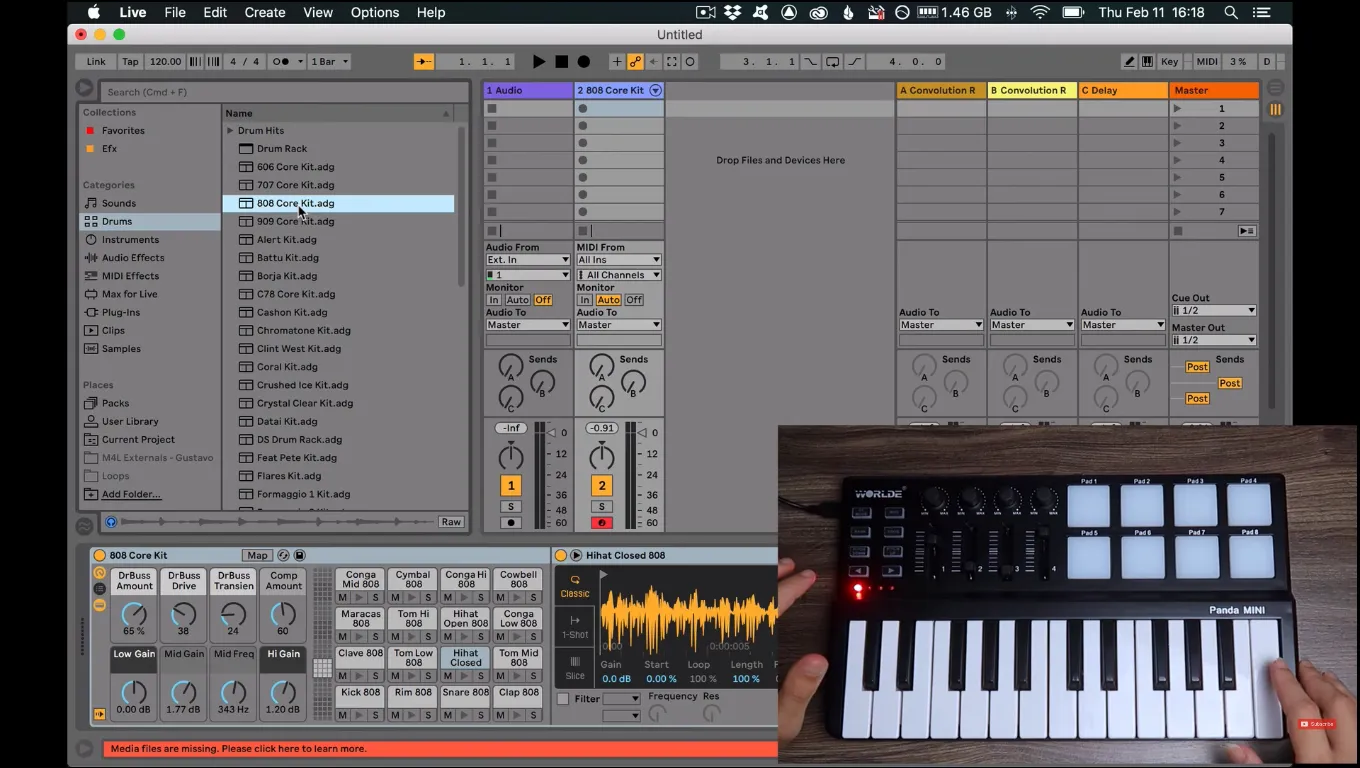
The keyboard beside a software session.
The plastic construction and mini-USB port are worth considering. The compact controls may suit a studio desk better than a demanding live setup, depending on your needs.
Ableton Live can receive MIDI from the controller, but setup and control mapping depend on your software version and configuration. A MIDI controller sends data; the software or instrument must be configured to receive it and map the controls. Check current pricing and compatibility for the exact model before buying.
Who might consider it?
The Panda Mini may suit someone who wants a compact set of keys and several physical MIDI controls for a desk setup, and who is comfortable with mini keys and the older connector described in the review. If sturdier-feeling hardware or a current USB-C connection is important, verify those details on the exact model before buying.
Sketch a controller around your workflow