How to Design (a simple) Electronics Enclosure with Fusion 360
Design a MIDI controller enclosure in Fusion 360: measure the board, constrain mounting holes and export a laser-cut acrylic base through DXF and SVG.
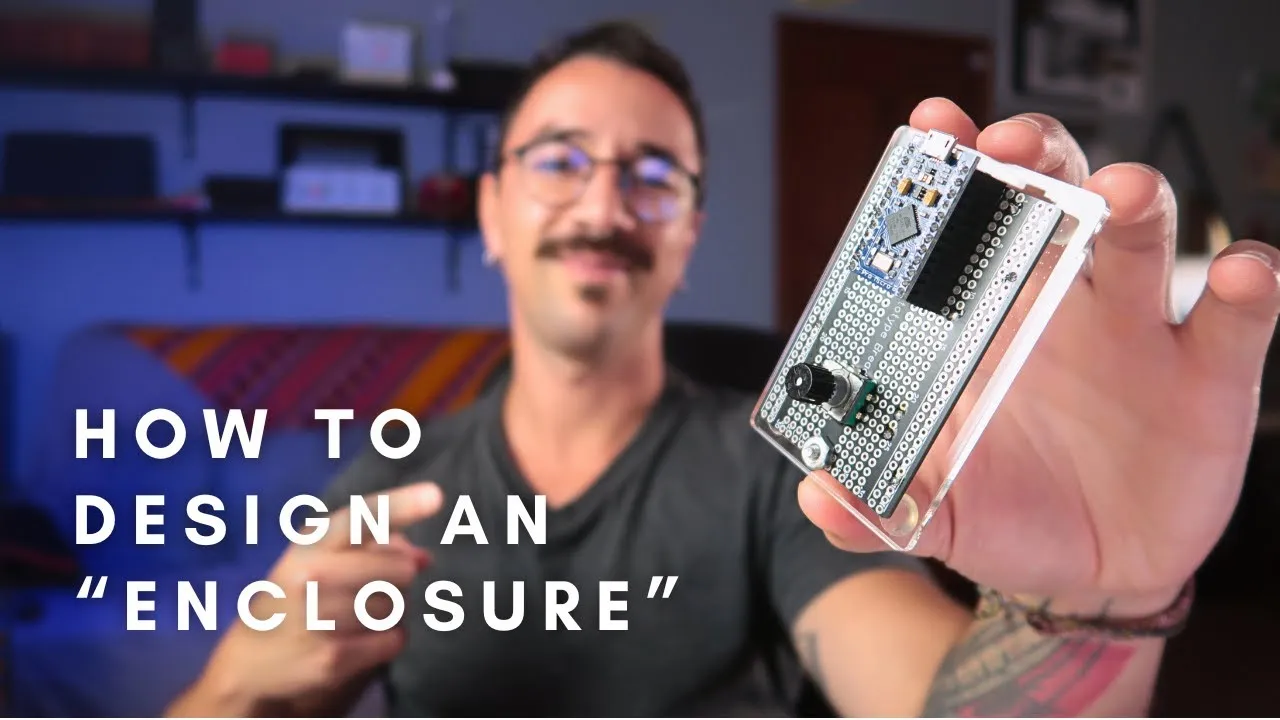
A MIDI controller enclosure needs to fit its board and controls. Even a small Arduino MIDI project needs a base with suitable mounting points. This Fusion 360 walkthrough designs a simple acrylic base for a solderable breadboard, Arduino Pro Micro, and rotary encoder, then prepares the outline for laser cutting. It is a focused example of enclosure design, not a universal case file.
Start from the parts and their dimensions
The design begins with the actual solderable breadboard. The demonstrated board measures 77 × 49 mm, and the mounting holes are spaced 71 mm apart. The video stresses using a datasheet or measurements from the exact board in hand; these dimensions should not be copied to a different board without checking it.
In a Fusion 360 sketch, the rectangle is centered on the origin. Two 3.5 mm circles represent the mounting holes. Horizontal and distance constraints keep the holes aligned and 71 mm apart, while a construction line helps center them. The sketch is then offset by 5 mm to give the base a little more footprint than the board.
Turn the sketch into a laser-cut part
Extrude the base to 3 mm, matching the acrylic sheet used in the demonstration, and add a 3 mm fillet to soften the edges. The parametric timeline lets the designer revisit the sketch and change a dimension; the solid updates with it. That makes early fit changes easier than redrawing the whole part.
For fabrication, the video creates a sketch from the face to export a 2D outline as DXF. It then opens that drawing in Inkscape and prepares SVG and PDF copies as alternate formats. The demonstrated stroke width is 0.1 mm, but the creator explicitly recommends asking the cutting service what file and line settings it needs. The PDF export is set to at least 300 DPI.
Check the machine and material before ordering
The acrylic thickness, cut tolerance, and accepted file formats depend on the material and fabricator. The video names online services and a local shop as possible routes, and describes contacting a local cutter to learn its requirements. Confirm dimensions, kerf, and file conventions with your own supplier before cutting.
This workflow is useful when a controller prototype needs a straightforward flat base and its component layout is already known. A more complex instrument may need a different enclosure strategy, but the same principle applies: measure the parts first, constrain the sketch, and only then prepare a fabrication file.
Before sending the drawing to the cutter
Gather the exact breadboard, its mounting hardware and the intended sheet material before finalising the outline. Confirm the board dimensions and hole spacing, the 3 mm material thickness used by this example, the export scale and the cutter’s required line settings. Keep the Fusion design as the editable master, then export the fabrication copy. A DXF, SVG or PDF that opens successfully still needs a dimensional check before cutting.